
How to upload your own world
Here is how you can easily upload your own single player Minecraft world or a downloaded world that you found online.
By STIPE Support · 1 min read · Reviewed 16 Nov 2026

Uploading a world on your STIPE Server
Uploading a world on your STIPE server is easy! Just zip, and drag and drop into file manager. Our auto detect will see the world and activate it for you.
Here are the steps:
Locate the world folder on your PC, zip up the custom map's folder and all its files
Go to File Manger on your STIPE control panel
UPLOAD: Drag and Drop the zipped file from your PC to File Manager
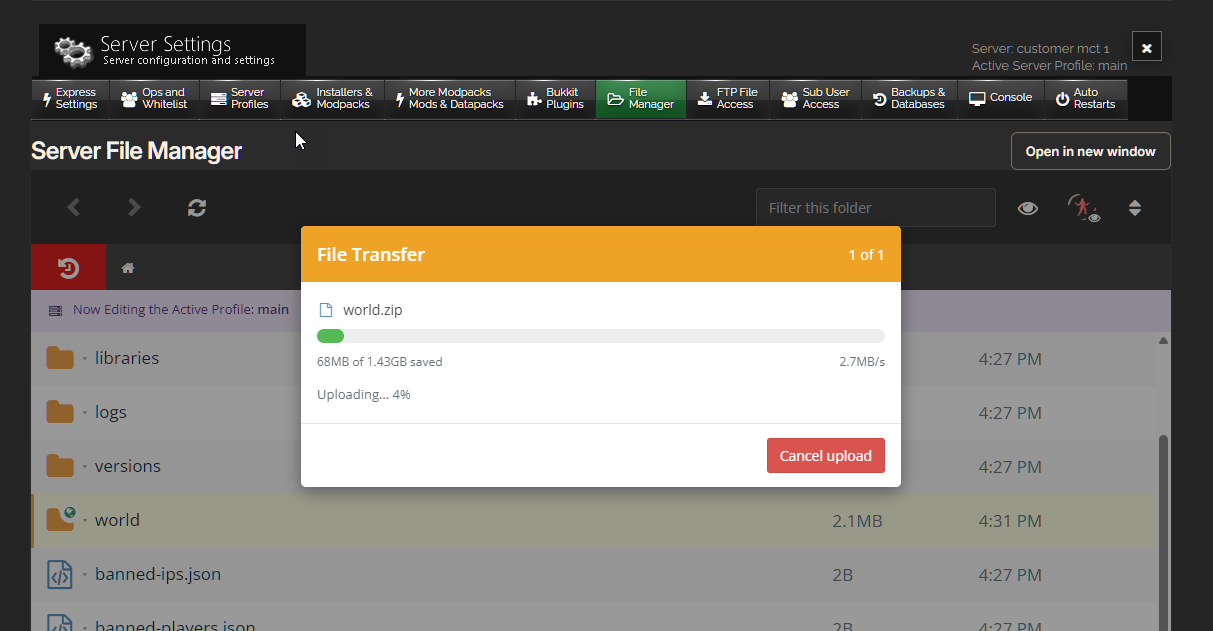
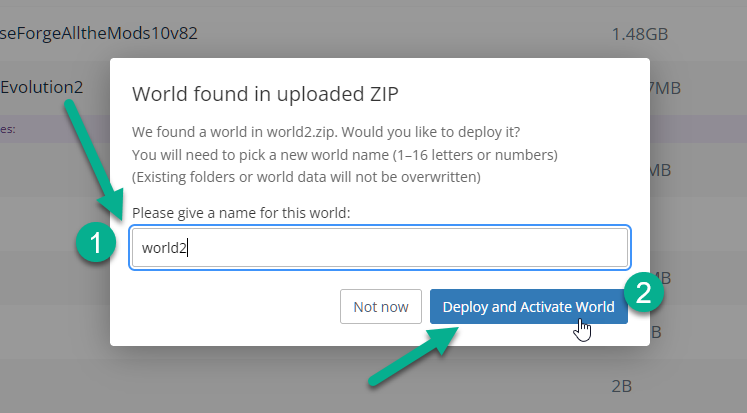
DEPLOY: After upload is complete, our system will auto detect that a world has been uploaded and will ask you to name it and activate it. You can choose to activate it here and restart server to see the new world. This will extract and update your server.properties file for you.
Video Tutorial: